Download
Grab the last version of kaunos portfolio theme
Installation
- Extract all the files and upload them in the root of your web host. Visit your website to check the installation.
- Complete the Panel installation by visiting
http://yourdomain.com/paneland follow the instructions.
Entering the license key
Using Kirby CMS in a production environment requires the purchase of a license.
Once you get your license, go to /site/config/config.php and search for
c::set('license', 'your license key');Fill in your license code to complete your installation of Kirby.
Configure
Our themes comes with extended blueprints so all you can configure is available from the Kirby Panel.
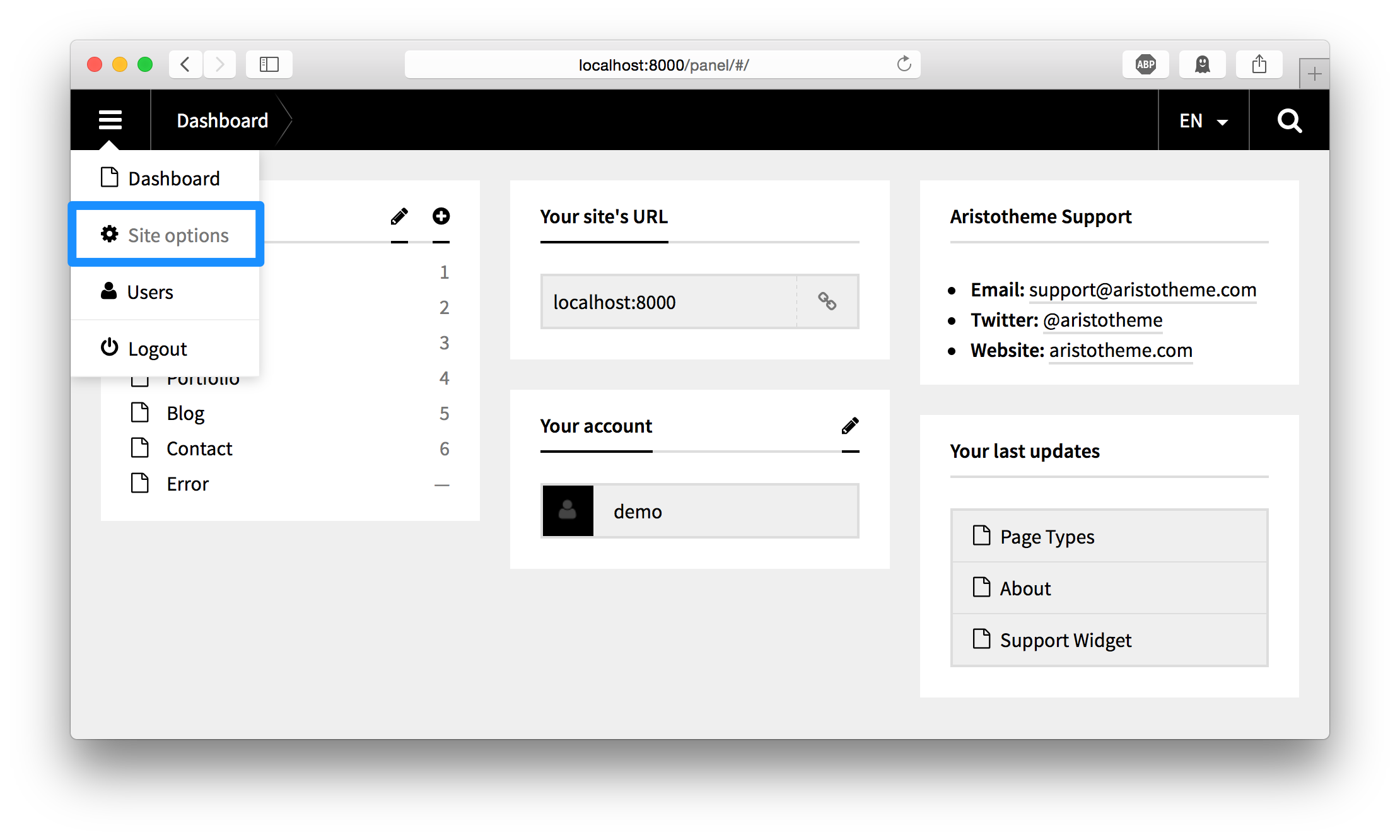
Access general site options throught the menu icon.